
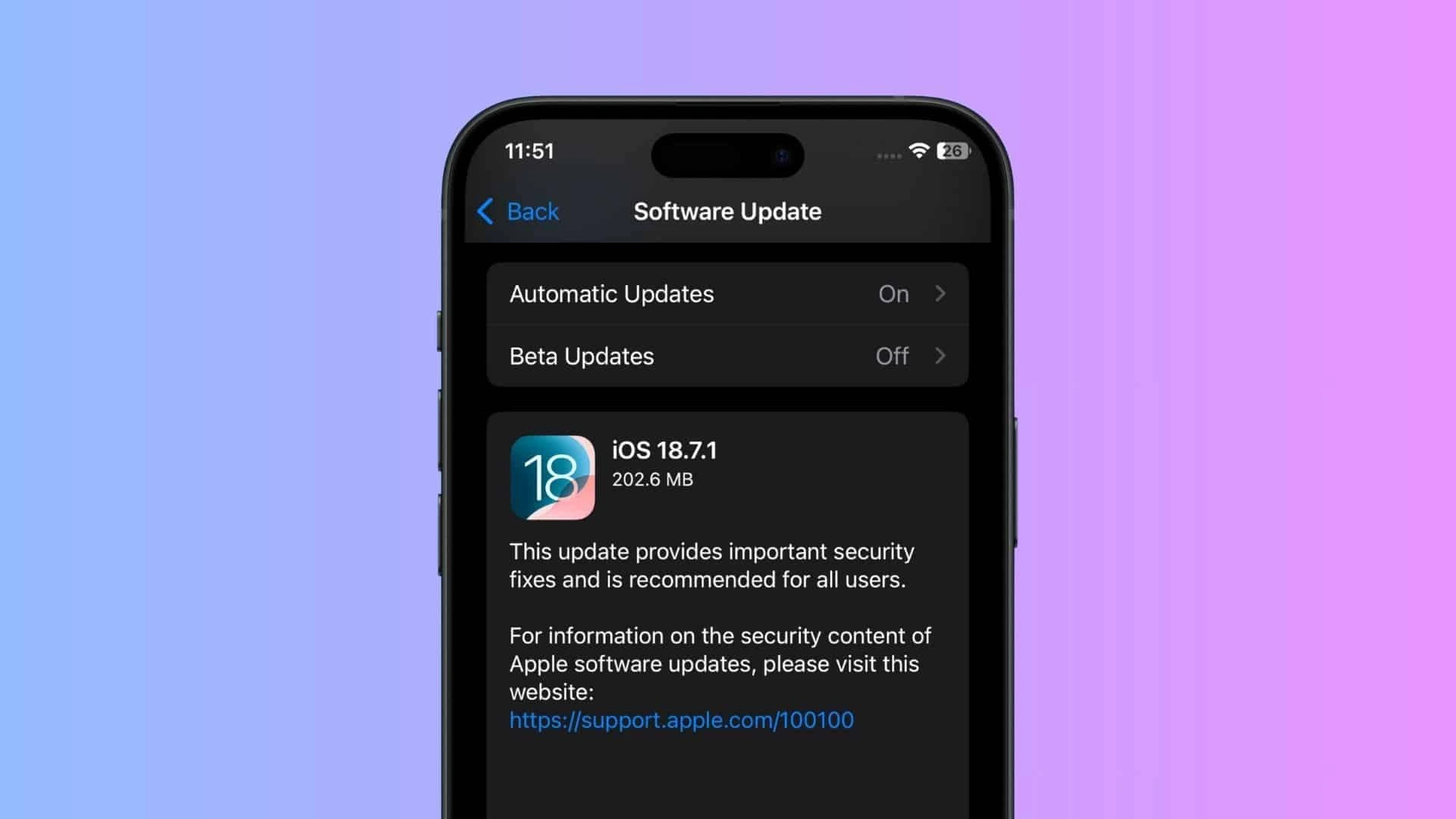
Tech giant Apple recently announced an update about iOS 26.0.1 and 18.7.1 versions. Keep reading to find out more.
Bug Fixes in iOS 26.0.1
Apple's most recent updates—iOS 26.0.1 and 18.7.1—fix a severe security hole in FontParser, which may allow hackers to exploit your phone via malicious typefaces. According to Apple, this vulnerability may have already been used in real assaults.
Other changes in iOS 26.0.1 include:
Wi-Fi and cellular difficulties with iPhone 17
Misaligned app icons
Camera glitch fixes
New Features Post Update
Some new features after the iOS 26.0.1 update are as follows:
Apple Intelligence (better AI tools)
Call screening for unknown numbers
Background security updates without full installs
How to Update Your iPhone
Here are the steps to follow so that you can update your iPhone:
Connect to Wifi and back up your data and files.
Then click on settings icon.
Go to ‘general’ field under settings and click on ‘Software Update’.
Tap Download and Install.